Claude Memory: Where the Setting Is, Who Gets It, and How to Control It
- Published
- Checked
- Sources
- 5 listed
- In short
- 4 key points
- By
- DevDiffs

Every Claude user can use memory from chat history, free accounts included. On Team and Enterprise plans, an Owner or Primary Owner decides whether memory is enabled for the whole organization, under Organization settings > Capabilities. To review what Claude has stored about you, open Settings > Your Claude and choose Manage beside Your memory. Older Settings layouts list it under Settings > Memory.
In short4 key points
Key points
- You can see what Claude remembers in Settings > Your Claude by selecting Manage next to Your memory, or in Settings > Memory in the older Settings layout.
- Clicking the ghost icon opens an incognito chat that isn't saved to chat history, and Claude won't pull information from incognito chats when searching previous conversations.
- By default Claude does not store topics such as health, race, religious beliefs or politics; health or beliefs stay out unless you turn on Include sensitive topics in memory.
- Project memory is saved to the project; to keep a project's memory fully separate, turn off Use account memory under Memory on the project's page.
Full article: about 4 minutes
How do I see and control what Claude remembers?
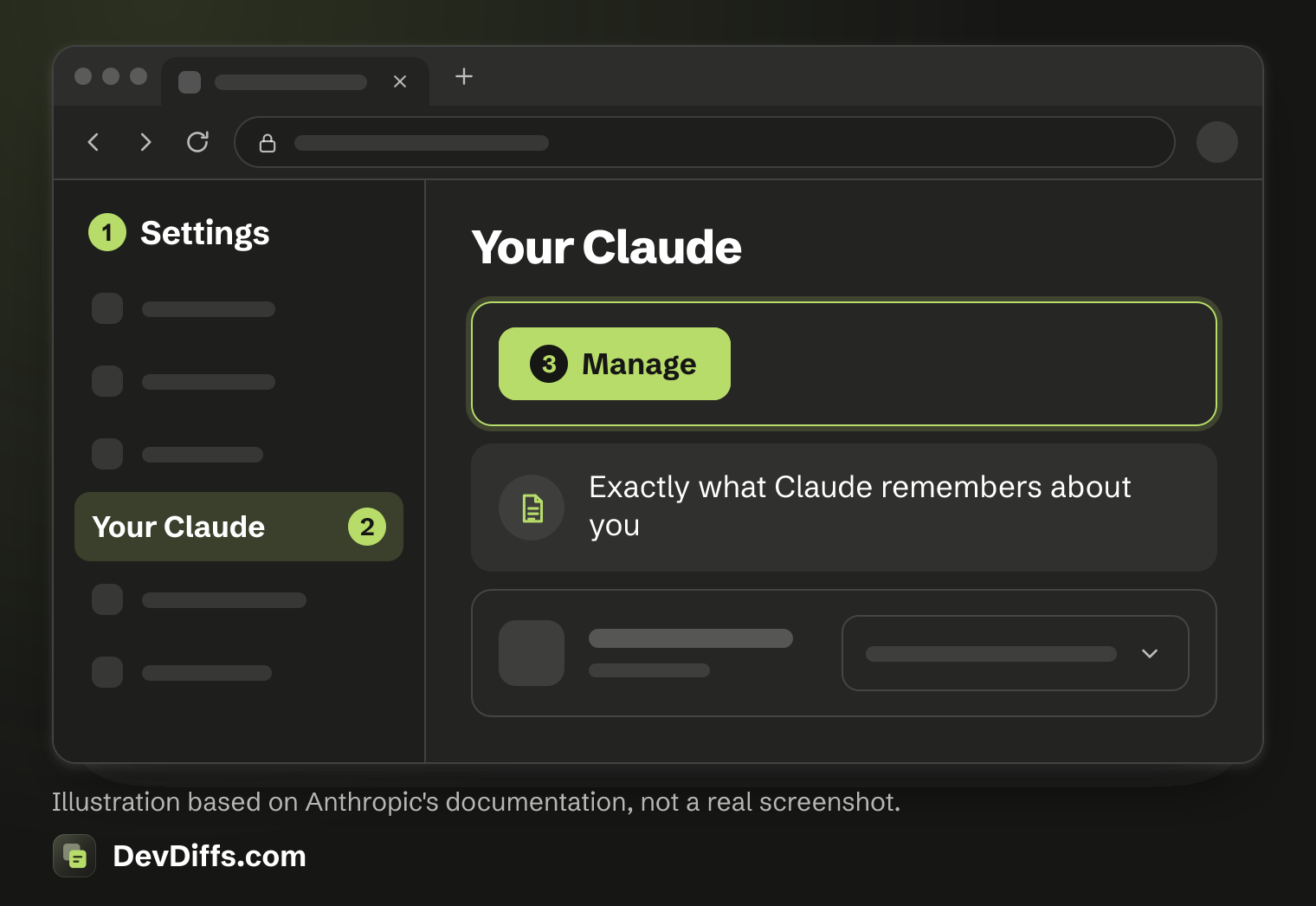
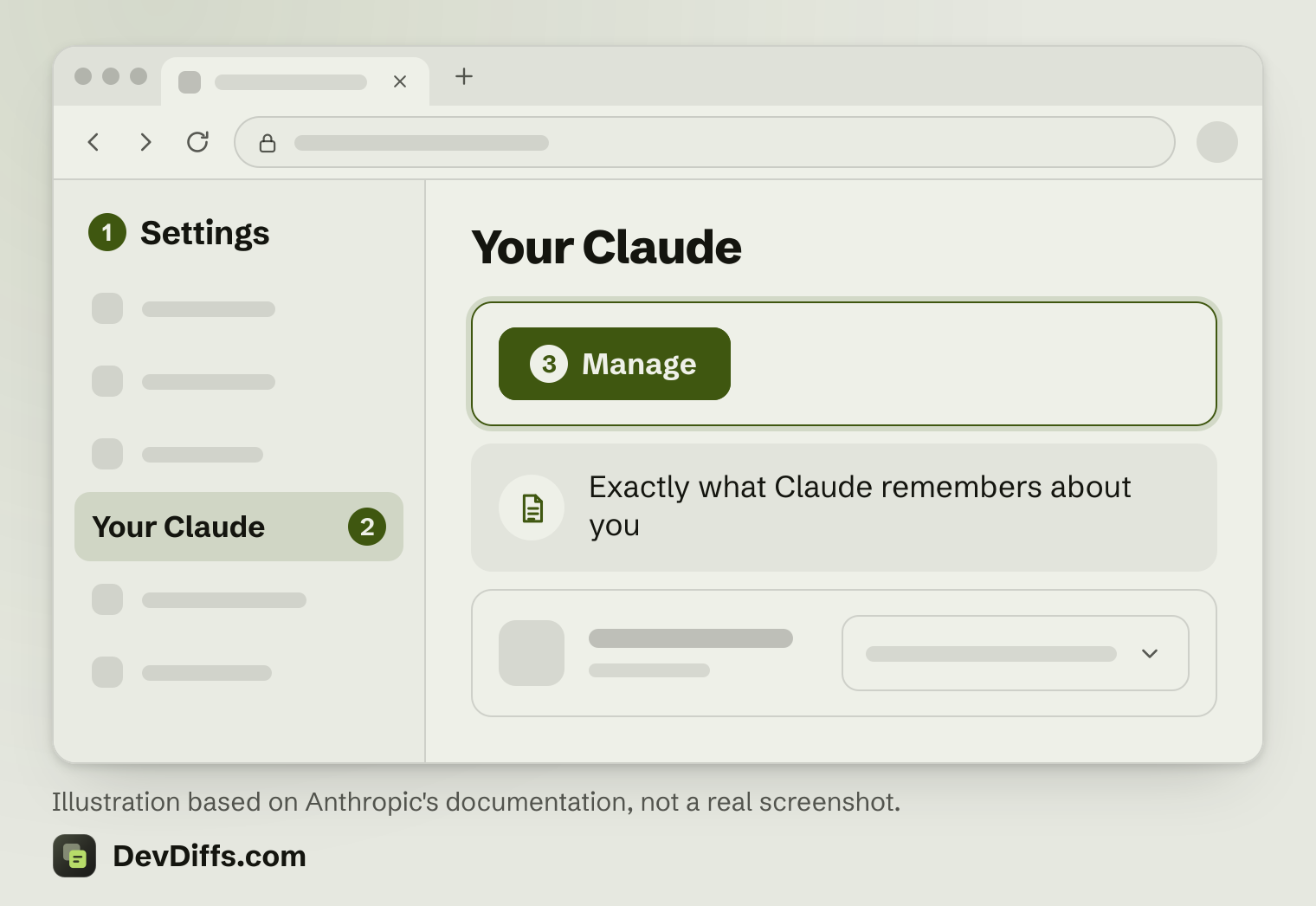
In the older Settings layout, the same list is under Settings > Memory. You can edit or delete any item listed under Topics.
Claude saves memory as separate topics while you chat, not as a summary written after a conversation ends.
Deleting a conversation does not remove the memory entries made from it. Delete those entries one by one.
Other reporting describes a Pause option, which keeps existing memory but stops using it and adding to it, and a Reset option, which permanently deletes all memory including project memory.
What does Claude not remember?
Sensitive subjects are left out by default, such as health, race, religious beliefs and politics. You can turn on Include sensitive topics in memory to change this for topics like health or beliefs.
Which plans and platforms get what?
The documentation reviewed does not give a step-by-step path for turning memory on for each platform, or a per-platform availability table for memory itself. Check the Settings screens in your app.
| Feature | Availability |
|---|---|
| Memory from chat history | All Claude users, including free users, as of March 2, 2026 |
| Search past chats | Pro, Max, Ultra, Team, and Enterprise plans on the web, Claude Desktop, and Claude Mobile apps |
| Monthly recap (Reflect, found in Settings) | No longer in beta. Free, Pro, Max, and Ultra plans can use it on the web, in Claude Desktop, and in the Claude apps for iOS and Android. |
How is memory different from Projects and chat search?
Chat search looks through earlier conversations when you ask. It covers chats outside projects, and inside a project it covers only that project. Once rolled out to your account it is on by default, and a search shows up as a tool call in your current chat.
Projects keep their own memory. To keep a project fully separate, turn off Use account memory under Memory on the project’s page.
How do I keep a chat out of memory?
Click the ghost icon to open an incognito chat. It is not saved to chat history, and Claude won’t draw on it when searching earlier conversations.
You can also turn memory off for a single chat. Nothing from that chat is saved to memory, and Claude won’t use what it remembers. Unlike incognito, the chat stays in your history and can be found by later searches.
What changes on Team and Enterprise accounts?
Owners and Primary Owners can switch memory on or off for the organization in Organization settings > Capabilities.
In organizations created on or after October 31, 2026 (Pacific Time), memory starts on for each member unless they turned it off before. In older organizations it stays off until members turn it on.
Memory does not start on in HIPAA-enabled organizations, organizations on Claude’s government platforms, or Claude for Teachers organizations.
Incognito chats on Team and Enterprise plans are included in organizational data exports available to account Owners. One third-party report also says turning off organization memory permanently deletes all users’ memory.
Custom roles can also carry admin permissions for specific areas, such as billing or privacy. Members get that access without being made Owners.
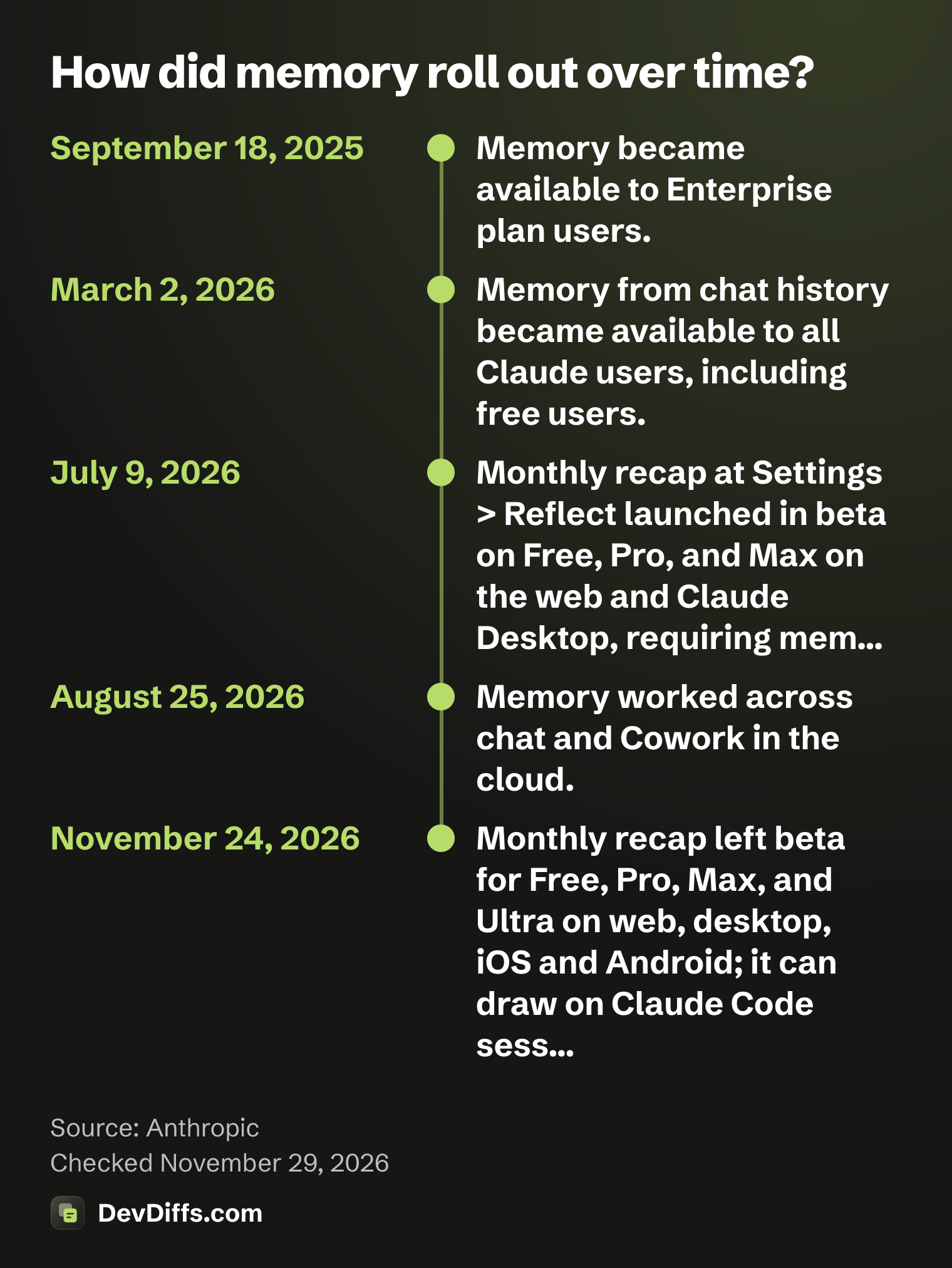
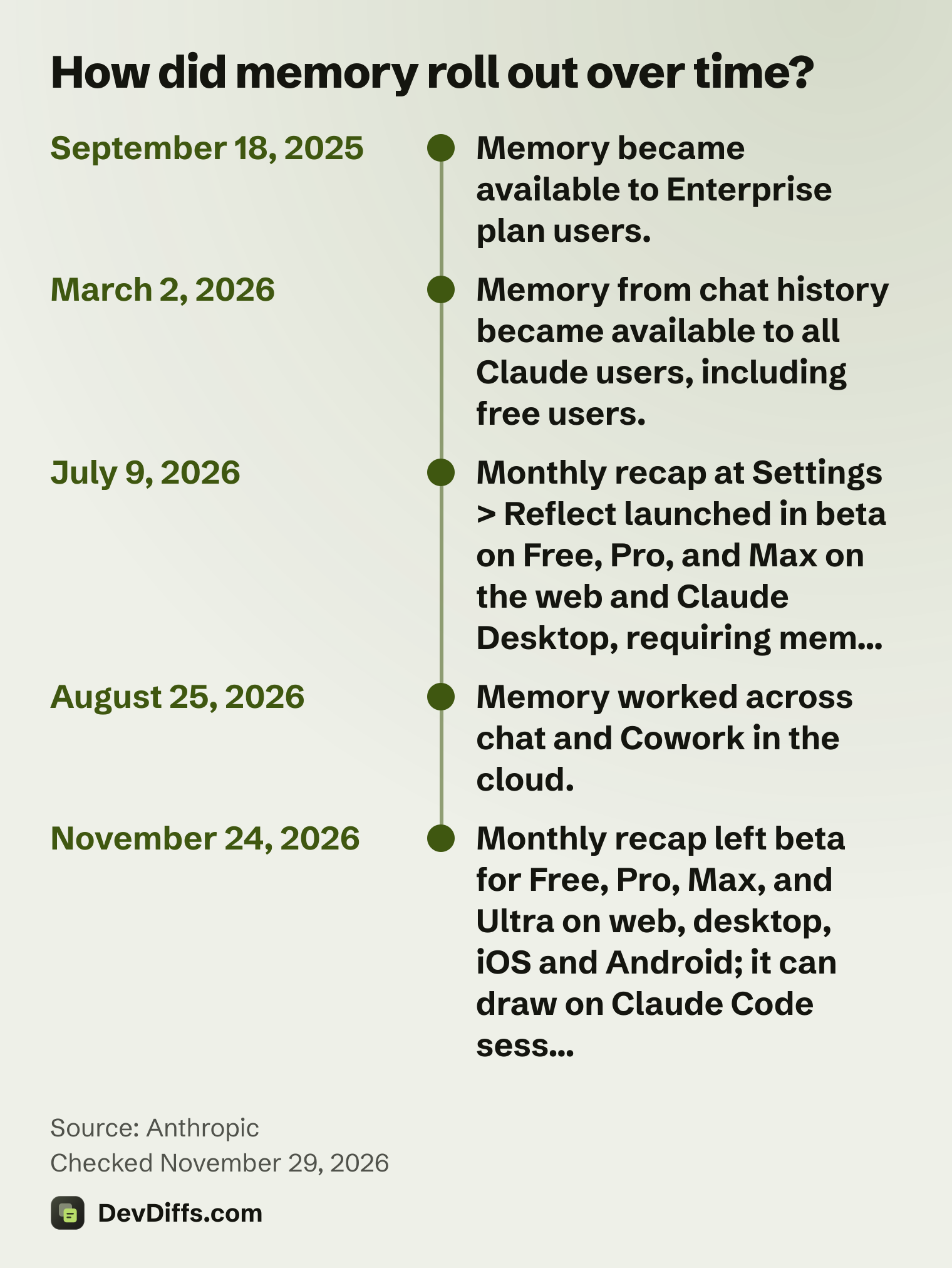
How did memory roll out over time?
| Date | Change |
|---|---|
| September 18, 2025 | Memory became available to Enterprise plan users. |
| March 2, 2026 | Memory from chat history became available to all Claude users, including free users. |
| July 9, 2026 | Monthly recap at Settings > Reflect launched in beta on Free, Pro, and Max on the web and Claude Desktop, requiring memory to be on. |
| August 25, 2026 | Memory worked across chat and Cowork in the cloud. |
| November 24, 2026 | Monthly recap left beta for Free, Pro, Max, and Ultra on web, desktop, iOS and Android; it can draw on Claude Code sessions and Cowork tasks in the cloud, and you can delete stored recaps. |
Techzine’s report on the earlier Pro and Max expansion says memory was first limited to Team and Enterprise users after an early September announcement, then opened to all Pro and Max users. That report is not a first-party release note.
Sources
- Release notes Anthropic, primary source. Accessed November 29, 2026.
- Anthropic expands Claude’s memory for paid users Techzine. Accessed November 29, 2026.
- How to Trace Which Past Claude Chats a Search Reaches Inside a Project (2026 Guide) MemoryLake. Accessed November 29, 2026.
- Use Claude’s chat search and memory to build on previous context Anthropic, primary source. Accessed November 29, 2026.
- Claude memory, chat search and incognito chats explained Safeguard. Accessed November 29, 2026.